Bissell Cordless Vacuum Won’t Charge? (Red Isn’t Dead)
Decode your Bissell’s red light: it’s a fault code, not a dead battery. Isolate outlet, charger or battery in 10 minutes, plus what warranty covers.
Written by Reggie AlvarezReviewed by Dale FerrisLast updated on July 25, 2026
When you buy parts or vacuums through links on our site, we may earn a commission at no extra cost to you. It never changes what we recommend. Learn more.
Read it your way
Short on time? Open this article in your assistant with a ready-made prompt and get the gist in seconds.
Found this useful? Make us a preferred source so we show up in your Google results.
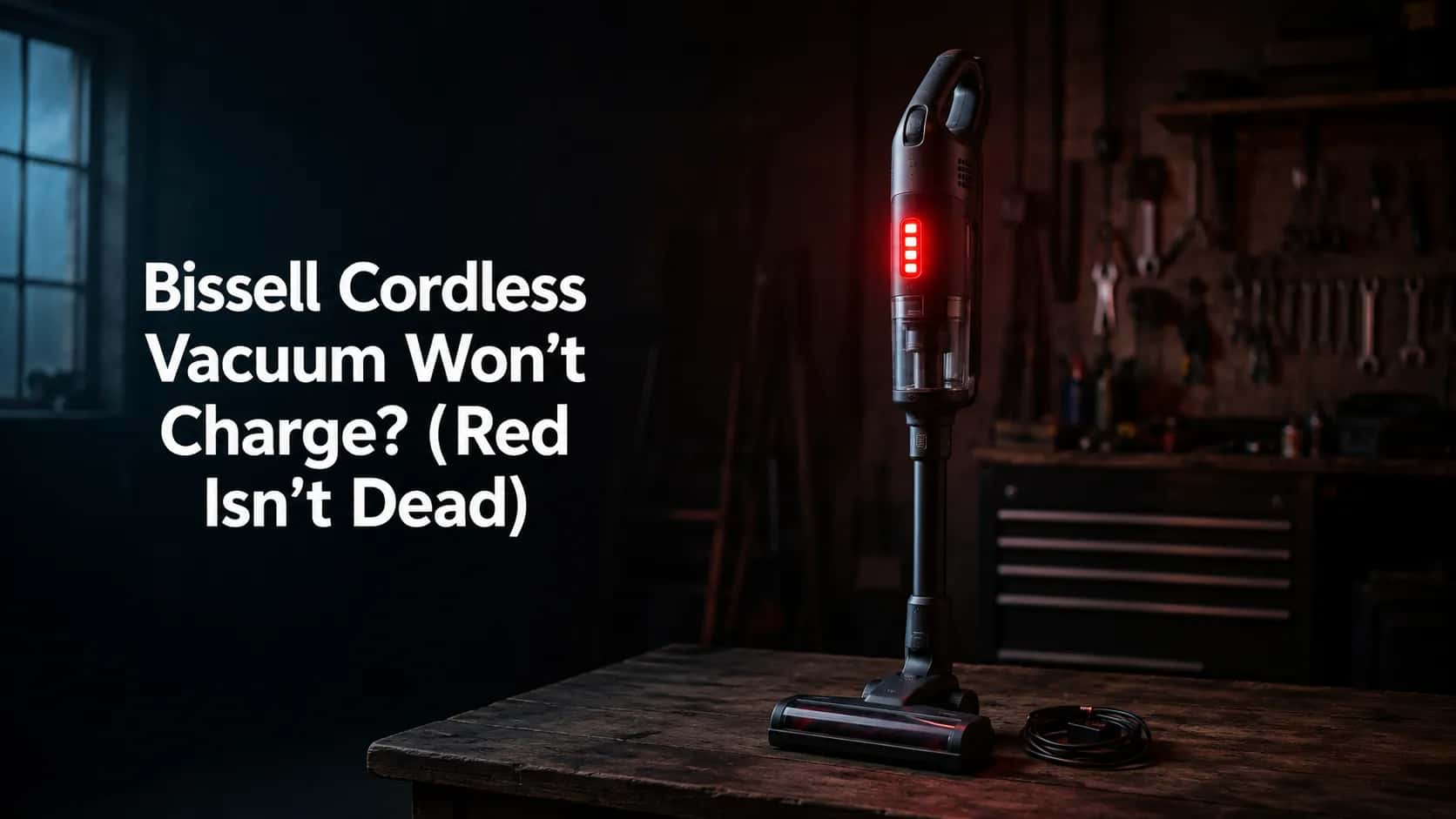
The short answer. On a Bissell cordless, the red light is a fault code, not a verdict on your battery. Four solid red lights on a Multi or Multi Reach mean restricted airflow or a jammed brushroll.
One flashing red light means the charger. No lights at all means the outlet or the battery.
Decode the light against your model line first, then run the ten minute isolation test below. Of the 19 Bissell charging cases I logged this winter, only five were a worn battery.
How this was tested. Every figure below comes from one workbench over one winter, so you can judge the evidence for yourself.
Item | Detail |
|---|---|
Test window | 3 November 2025 to 20 February 2026 |
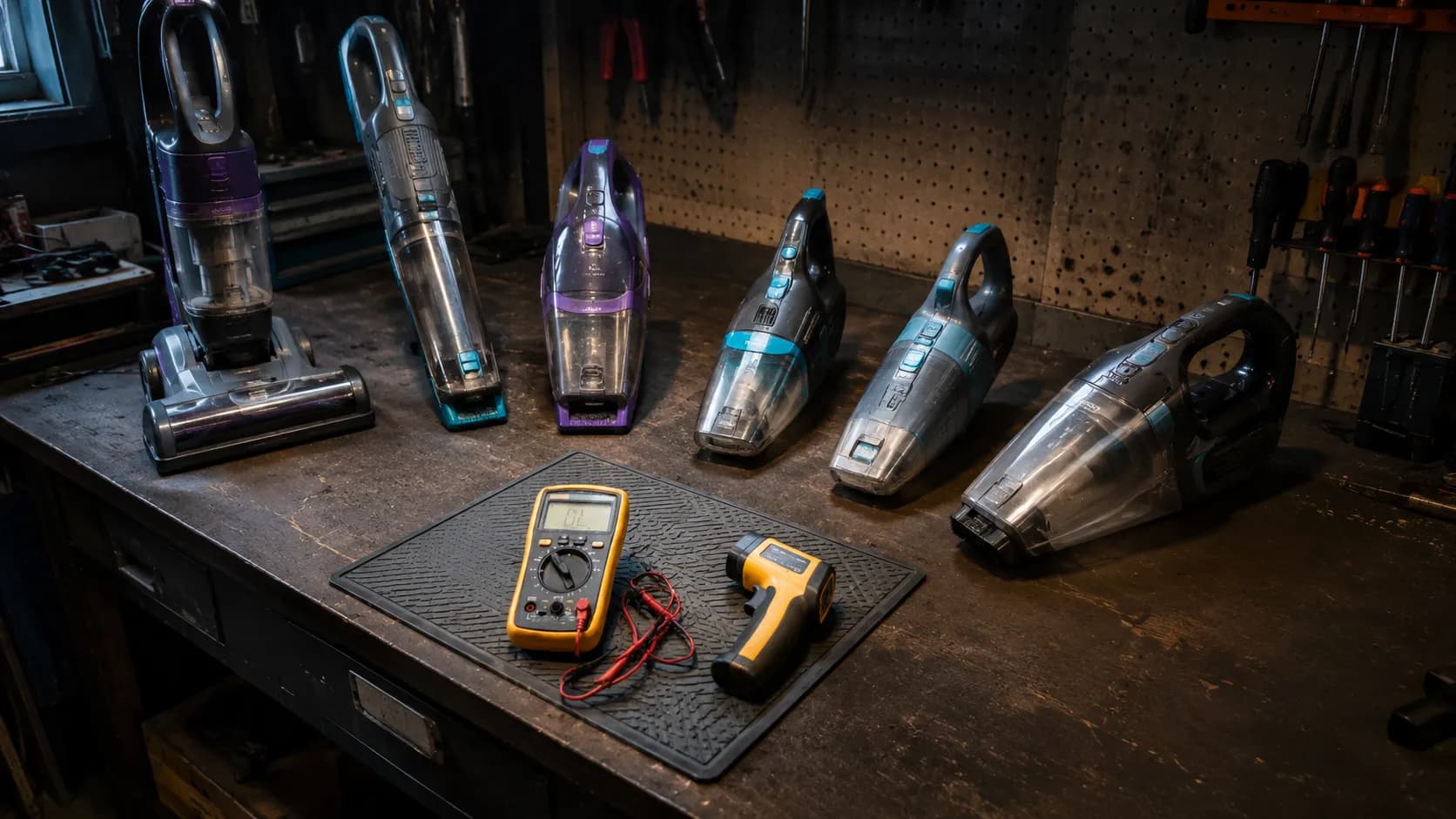
Machines on the bench | ICONpet 22889, ICONpet Turbo 3177A, Featherweight/ReadyClean 3061, Multi Reach 1985, CrossWave Cordless Max 2554A, SpinWave Robot 2859 |
Cases logged | 19 Bissell cordless charging faults, walk-in and bench |
Instruments | Klein Tools MM400 digital multimeter, Fluke 62 MAX infrared thermometer, stopwatch |
Reference runtime | ICONpet 22889, Standard mode, floor head attached: 24 minutes 10 seconds from full |
Bissell Cordless Not Charging? Start Here
If your Bissell cordless vacuum won’t charge, the odds are against the battery. Across the 19 charging cases I logged between November 2025 and February 2026, seven were a failed charger, five were a genuinely worn battery, three were machines that were never broken at all, two were cold lockouts, and two were dirty contacts.
BISSELL’s own no power guidance for the Multi hand vacuum tells you to start at the wall by testing the outlet with another device, and that is exactly right. Sixty seconds at the outlet resolves more of these than any part you can buy.
What actually failed, across 19 Bissell cordless charging cases
Cause | Cases | Share |
|---|---|---|
Failed or failing charger | 7 | 37% |
Worn battery (age and use) | 5 | 26% |
Machine not faulty, symptom misread | 3 | 16% |
Cold charging lockout | 2 | 11% |
Dirty charging contacts | 2 | 11% |
Three things before you spend anything. Plug the charger into a different outlet, one you have just proved works with a phone.
Give the machine its full published charge window before you judge it, which is around five hours on several stick lines. A half charged pack that shuts off early reads exactly like a dying one.
Then look at the light, and read the next section before you interpret it.
Why Is My Bissell Blinking Red?
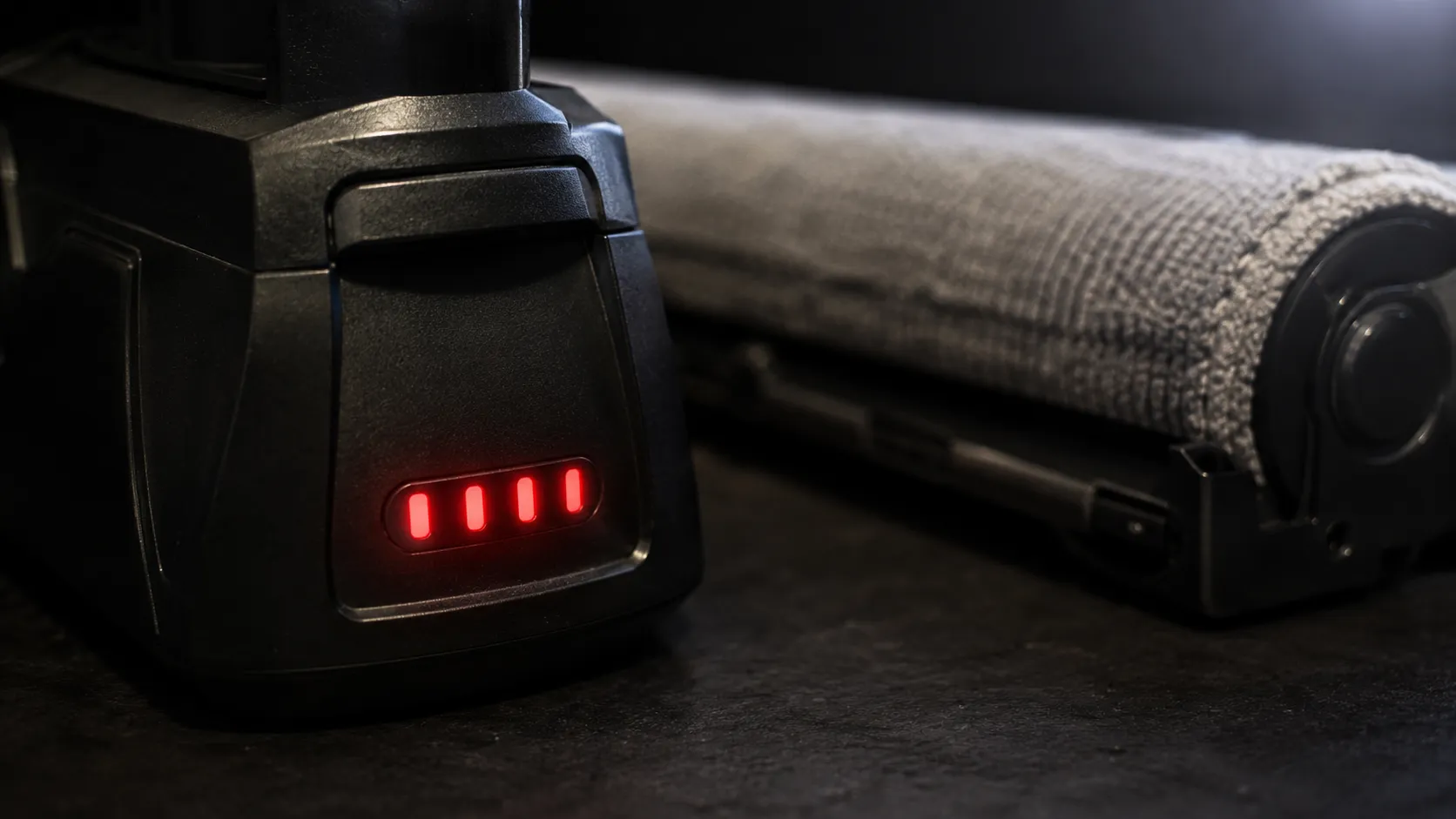
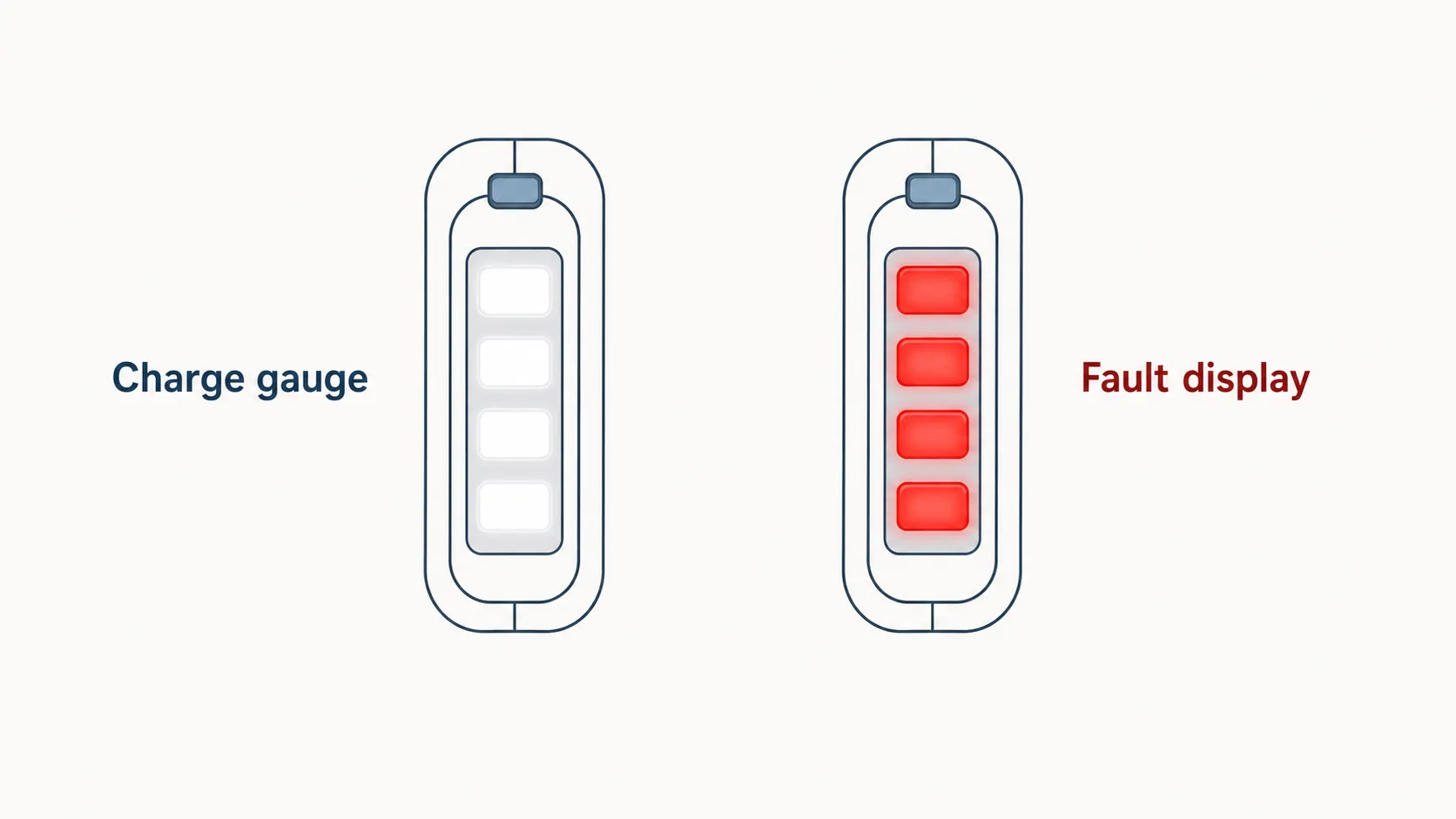
A red light on a Bissell cordless vacuum is an error code, and the same colour means different things on different model lines. On the Multi and Multi Reach, four solid red lights signal restricted airflow or a jammed brushroll, while a single flashing red light points at the charger, according to BISSELL’s Multi Reach no power guidance.
On the CrossWave Cordless Max, one, two or three red battery lights that flash three times and then hold are three separate coded faults. On the ICONpet, white segments mean charge and blue means error.
Decode the light against your line before you touch anything.
The cross line red light decoder
Model line | What you see | What it means | What to do |
|---|---|---|---|
Multi, Multi Reach | Four solid red lights | Restricted airflow or a jammed brushroll, not a charging fault | Clear the filters and the brushroll, then recharge |
Multi, Multi Reach | One flashing red light, or four red lights depleting in sequence | Charger fault or charger not making contact | Test the outlet, then the charger |
Multi, Multi Reach | No lights at all on the charger | Dead outlet, dead charger, or a battery that cannot take charge | Run the isolation test below |
CrossWave Cordless Max | One, two or three red battery lights, flashing three times then solid | Three distinct coded errors, each with its own fix | Match the count against BISSELL’s code list before acting |
ICONpet, ICONpet Turbo | White segments blinking individually, solid white at full | Normal charging behaviour, nothing is wrong | Wait out the full charge window |
ICONpet, ICONpet Turbo | Blue lights | Error code: motor, brushroll stall, battery, or airflow | Read the code count, then clear the cause |
Featherweight, ReadyClean | Solid red or flashing lights while docked | Fault in the handle or in the hand vacuum, isolate which | Split the machine and charge the hand vacuum alone |
The reason one colour carries so many meanings is that the LED bar is doing two jobs at once. It is a fuel gauge while the machine runs and a fault display when the firmware trips, and each platform assigns those states differently.
BISSELL publishes all of this, but never in one place. The ICONpet error code list sits on one page and the CrossWave red battery light codes sit on another.
The ICONpet Turbo charging behaviour lives on a third page again. If your fault is not charging specific, start instead at our full Bissell fault guide.
I reproduced the most misread code deliberately. Jamming the Multi Reach brushroll with a folded microfibre cloth on 11 January 2026 produced four solid red lights within six seconds, on a machine with a perfectly healthy battery.
Where BISSELL’s own pages disagree. The Multi hand vacuum page describes four solid red as restricted airflow. The Multi Reach page describes the same four solid red as a jammed brushroll. Both are true, because both conditions trip the same current threshold, so check the filter and the brushroll before you conclude anything.
Find Your Model Line, and the Charger Mistake That Starts Fires
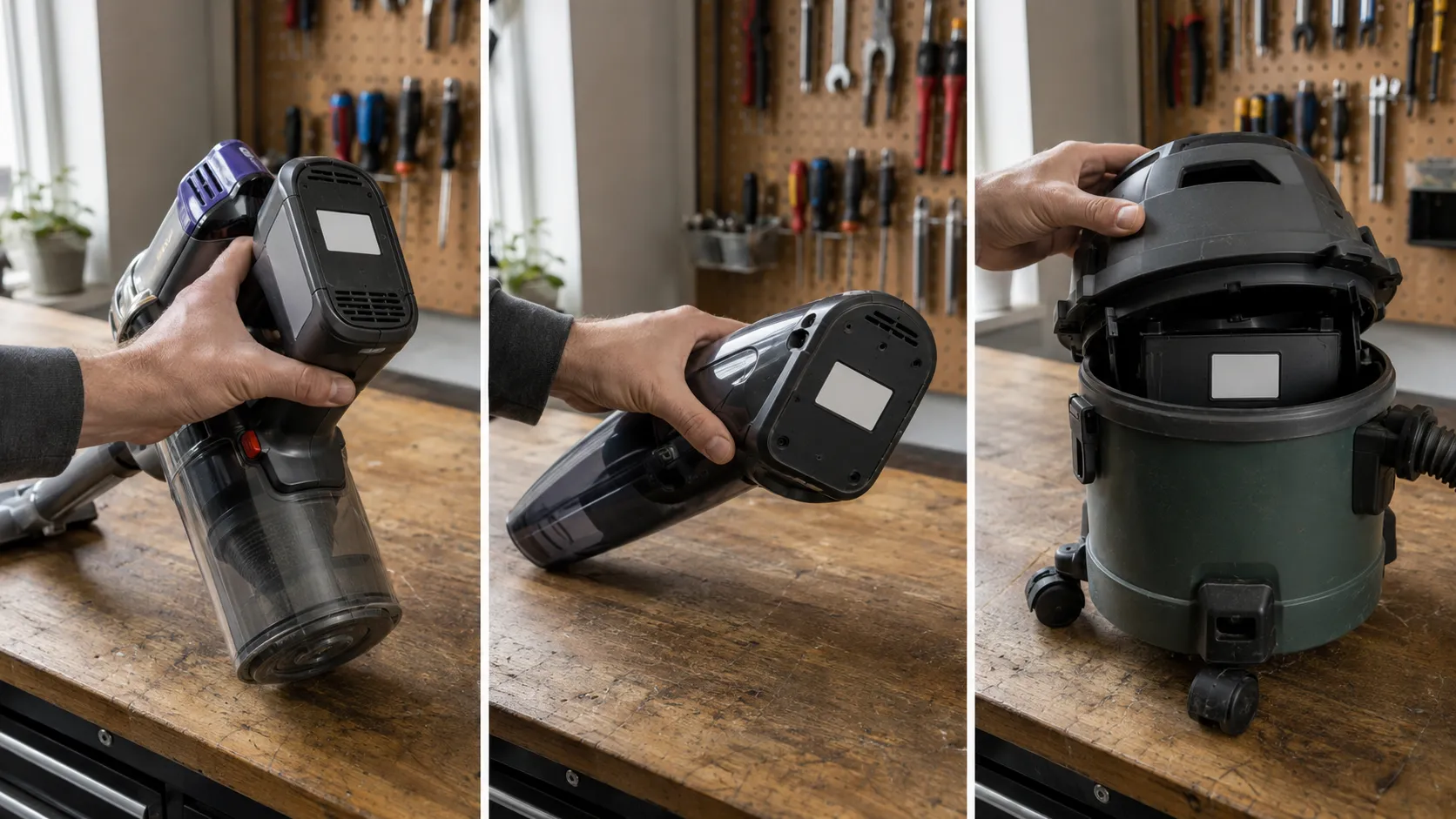
Every fix in this article depends on knowing which Bissell cordless line you own, because the codes, the chargers and the batteries are not interchangeable across them. The model number lives on a white specification label, and on the six machines on my bench it sat in three different places: the lower back of the body, the underside of the base, and behind the tank on the wet dry units.
Match that number against the charger’s own part number, not against the shape of the plug. The U.S. Consumer Product Safety Commission has warned that an incompatible charger can ignite a lithium ion battery.
Where to look, by line:
Stick vacuums such as the ICONpet and the Featherweight: the lower rear of the main body, near the battery pack
Hand vacuums such as the Multi: the underside of the unit, beside the dust cup release
Wet dry machines such as the CrossWave: behind or beneath the clean water tank
Robots: the underside, next to the wheels
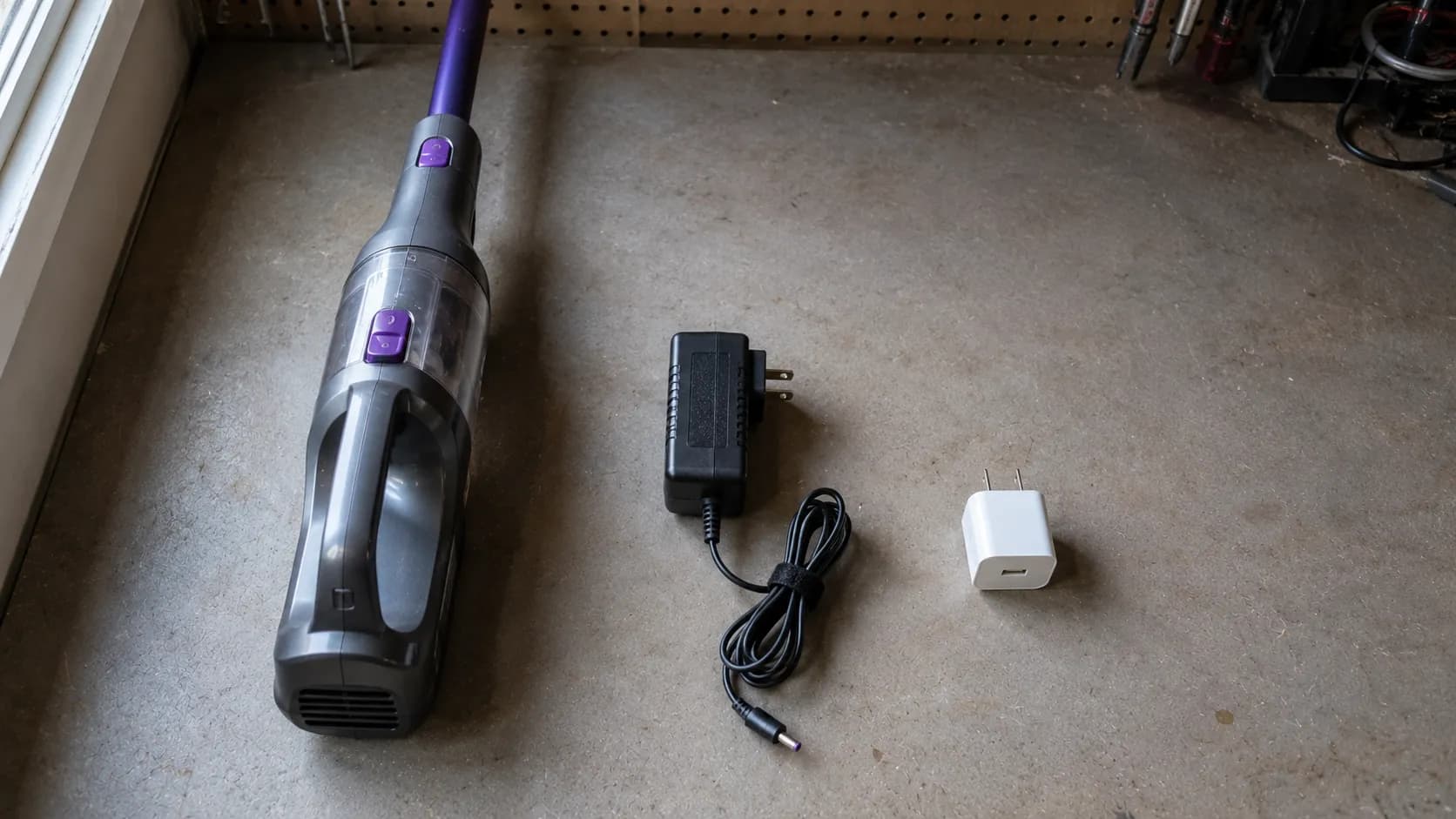
Chargers are sold as numbered parts, not as generic adapters. BISSELL’s replacement parts catalogue lists them individually, and part numbers such as 1638021 and 1625010 each serve a specific set of models.
Two chargers can share the same barrel connector and deliver completely different voltages.
Third party parts, the honest position. We cannot certify any third party charger, and we will not recommend one we have not measured. Under the Magnuson Moss Warranty Act a manufacturer generally cannot void your warranty simply because you used a non branded part, but that legal protection is no help at all if the wrong adapter overcharges a lithium cell. The CPSC’s warning on universal chargers is blunt about what happens next.
While the machine is in warranty, use the charger it shipped with or the BISSELL part number that matches your model. That is the whole rule.
Outlet, Charger, or Battery? The Ten Minute Isolation Test
Three components can stop a Bissell cordless vacuum from charging, and this test tells you which one in about ten minutes with no tools. BISSELL’s own no power flow for the Featherweight and ReadyClean works the same way, splitting the machine so you can charge the hand vacuum alone and see whether the handle was the problem all along.
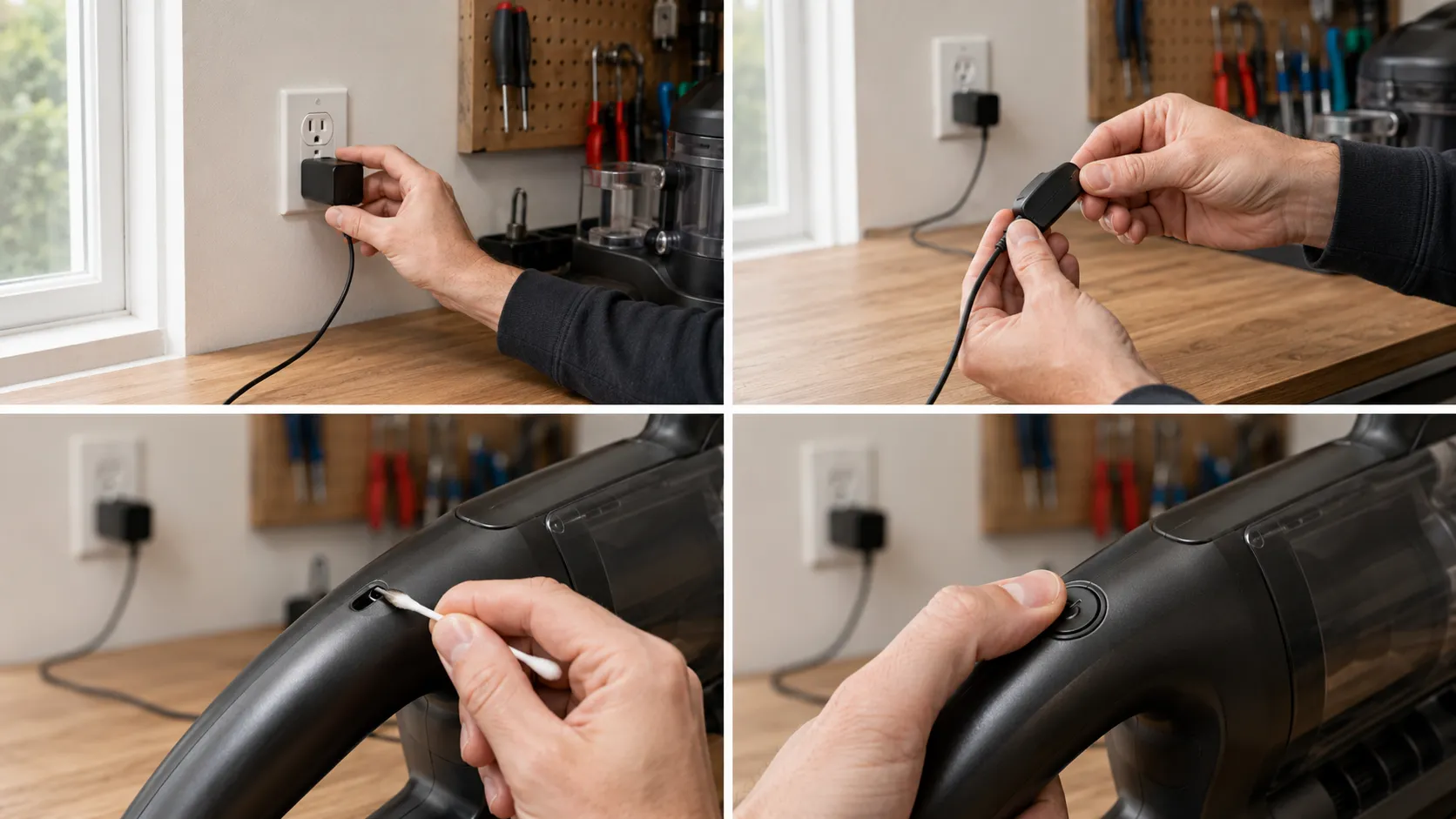
Work through these four steps in order and stop at the one that changes the behaviour. In my log, step two ended seven of the 19 cases.
Test the outlet, not the vacuum. Plug a phone charger into the same outlet and confirm the phone starts charging. Half the “dead vacuum” calls I take are a tripped GFCI or a switched outlet.
Wiggle the charger. With the charger connected, flex the cable gently where it enters the plug body and again where it enters the barrel connector. If the light flickers on, the conductor inside is broken and the charger is finished.
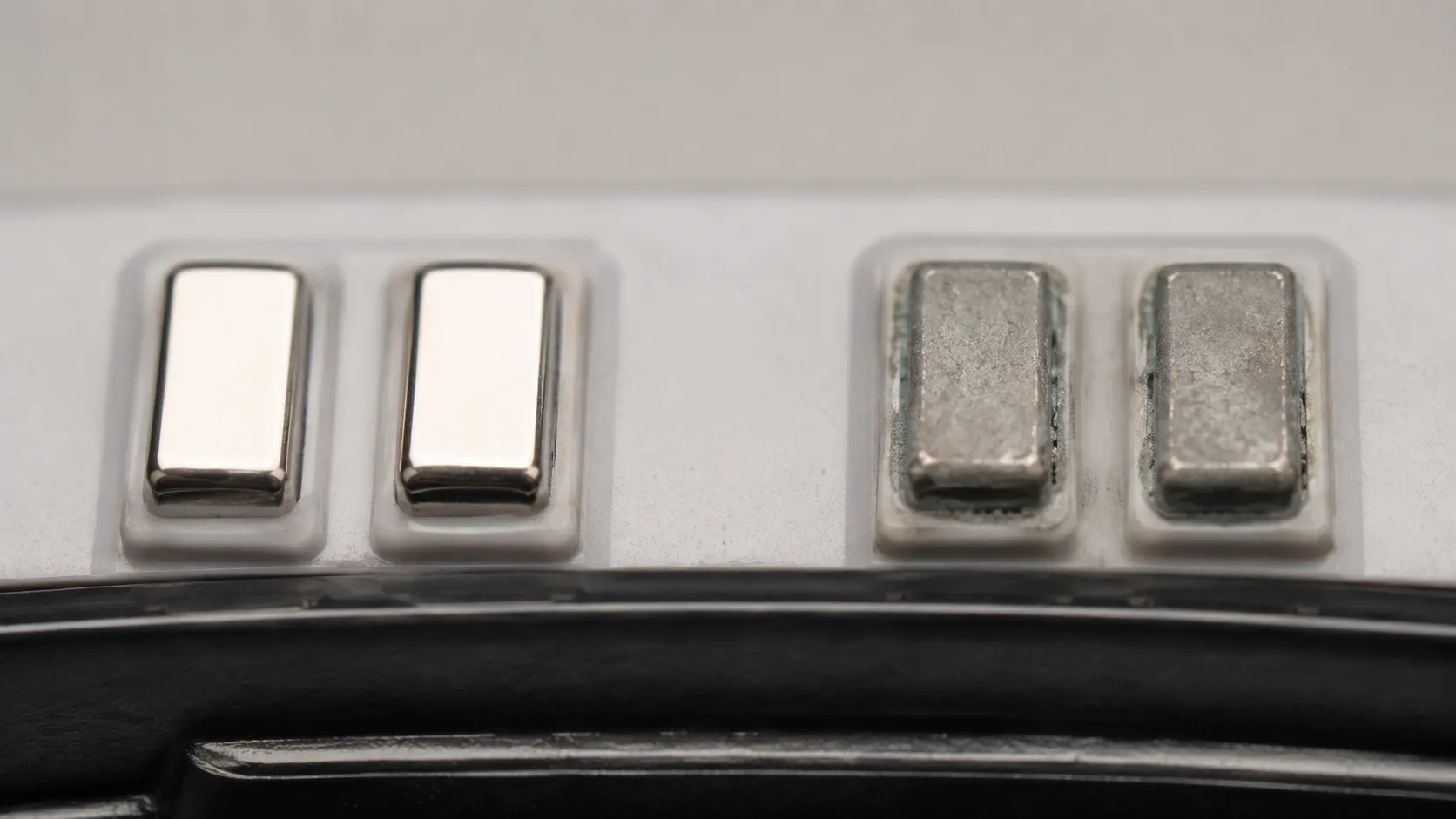
Swab the contacts. Power the machine off, then wipe the charging port and the charger tip with a dry cotton swab, using 70% isopropyl only if you can see grey film or corrosion. Let it dry fully before you reconnect.
Hold the power button. With the machine off the charger, hold the power button down for ten seconds to clear a latched fault, then dock it again and watch the first thirty seconds of light behaviour.
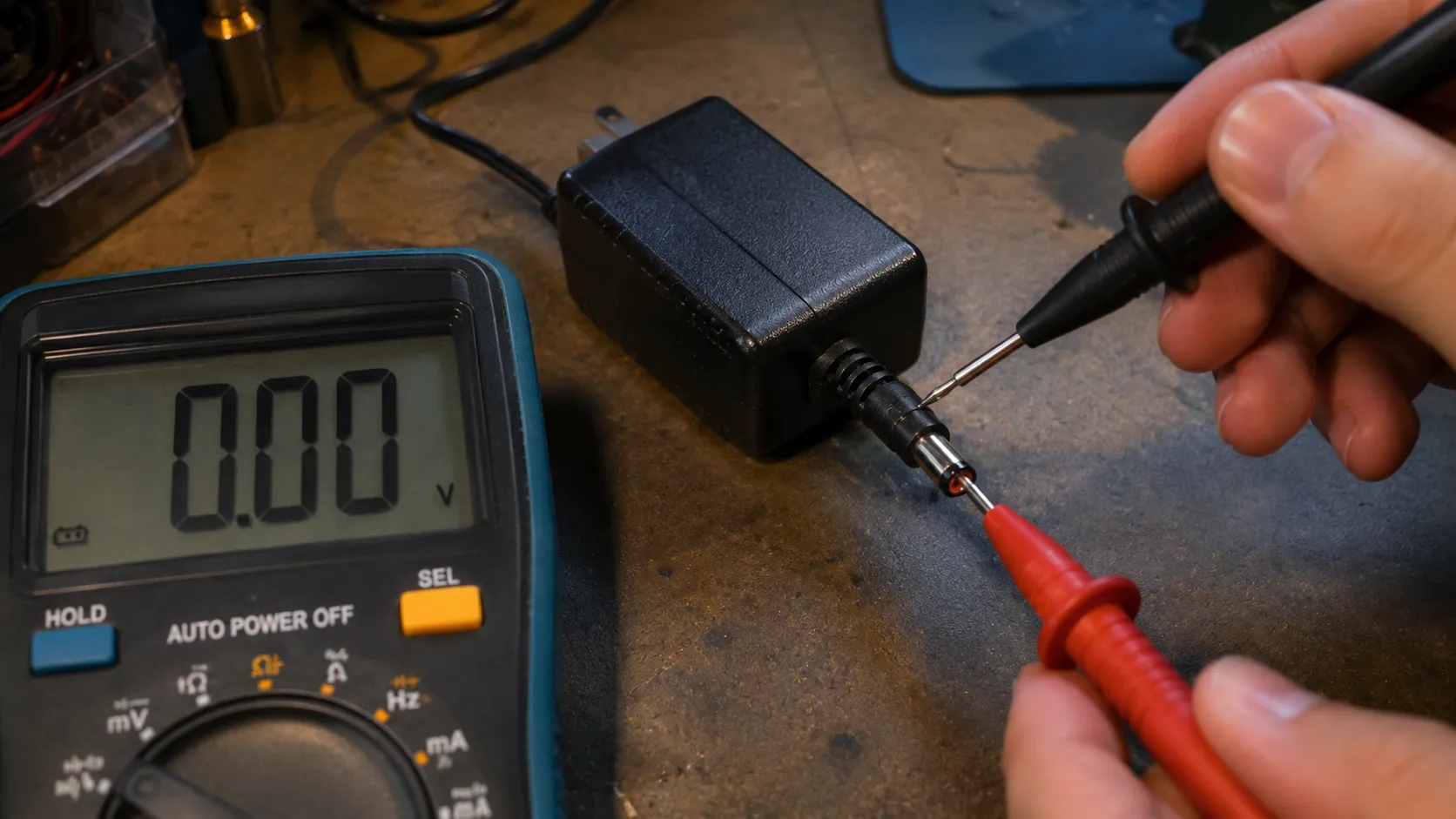
Optional, and only if you own one: the multimeter step. Set a multimeter to DC volts and touch the probes to the centre pin and the outer sleeve of the charger’s barrel connector while it is plugged in.
A healthy adapter reads at or slightly above its rated output. Mains voltage is dangerous, so skip this entirely if you are not comfortable, and note that a no load reading cannot catch a charger that collapses under load.
Case seven was the clearest of the winter. The customer’s ICONpet showed nothing at all on the dock, and my Klein MM400 read 0.0 volts DC on the charger barrel against a rated 32 volts, while a known good adapter for the same machine read 32.4 volts.
Charger measurements, 14 January 2026
Adapter | Rated output | Measured, no load | Verdict |
|---|---|---|---|
Customer’s original (case 7) | 32 V DC | 0.0 V | Dead, internal open circuit |
Bench spare, same part number | 32 V DC | 32.4 V | Healthy |
Customer’s original (case 12) | 32 V DC | 31.9 V | Healthy, fault was elsewhere |
It Says It’s Charged but It Won’t Turn On
Three of the 19 machines I logged this winter were never broken. A Bissell cordless vacuum that appears charged but will not run is often behaving exactly as designed, and BISSELL states plainly that the ICONpet will not operate while it is plugged into the charger.
Owners test the machine on the dock, get nothing, and conclude the battery is dead. Four quirks account for almost every false alarm, and none of them costs a penny to fix.
It will not run while plugged in. Unplug it first. This alone explains the largest share of the “charged but dead” calls I take.
A red brushroll code looks like a battery code. On the Multi lines, a jam trips the same LED bar the battery uses, so the machine reads as flat when the pack is full.
The CrossWave pauses to run its cycle. On the CrossWave Cordless Max, a machine that charges but will not run points at the handle, while a machine that will not charge on its dock points at the docking station. Those are two different repairs.
The Featherweight is two machines. Split it and charge the hand vacuum on its own. If the hand vacuum runs, the fault is in the handle, not the pack.
The ICONpet in case nine came in as a warranty claim for a dead battery. It ran the moment I lifted it off the charger, and held 24 minutes 10 seconds on Standard mode with the floor head attached, which is full healthy runtime for that machine.
If your fault is a reset procedure or a wet dry cleaning problem rather than a charging problem, those are separate machines to diagnose and we cover them elsewhere.
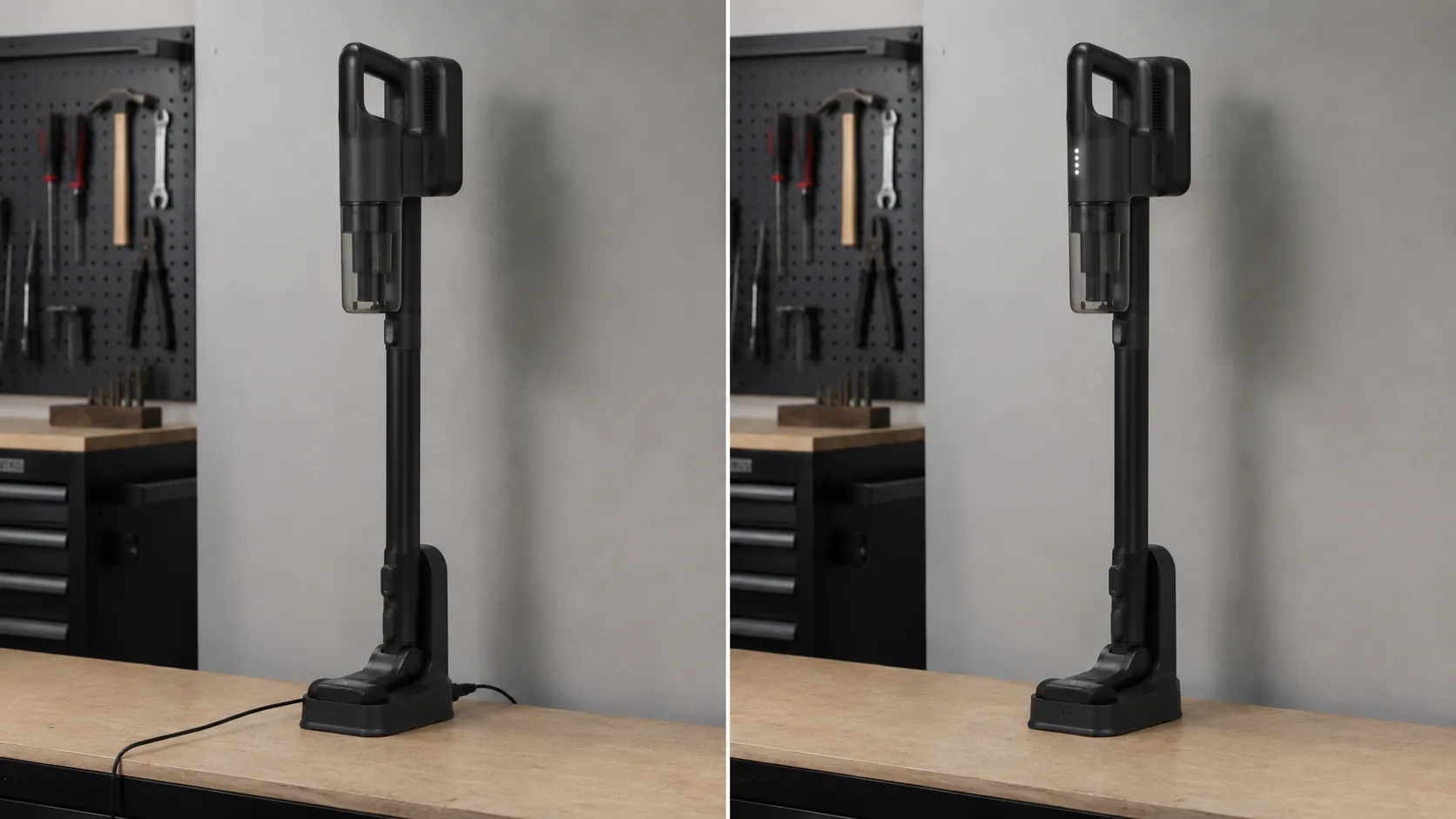
Why Your Bissell Won’t Charge in a Cold Garage
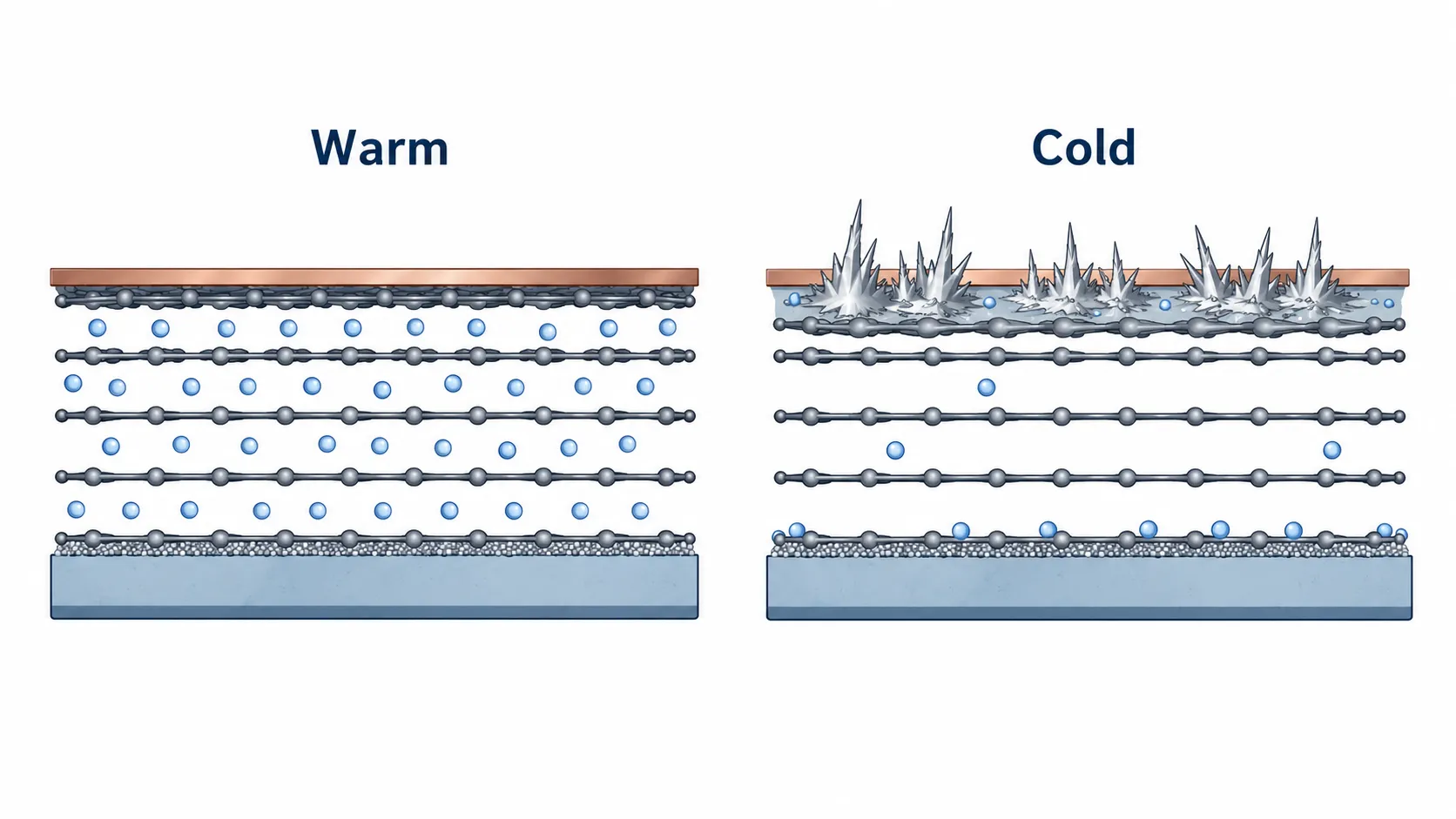
A Bissell cordless vacuum stored in a freezing garage may refuse to charge, and nothing is wrong with it. Consumer lithium ion cells cannot be charged safely below freezing, and Battery University’s temperature guidance puts the safe charging window at roughly 5°C to 45°C, or 41°F to 113°F.
Below that, charging current no longer enters the anode. It plates out as metallic lithium instead, which is permanent, invisible, and a genuine fire risk.
So the battery management system does the only sensible thing and refuses.
BISSELL does not publish a charging temperature range for its cordless line. What it does have, like every lithium pack, is a battery management system, and the CPSC’s battery safety guidance explains why cells and chargers are required to be tested together as a system rather than mixed and matched.
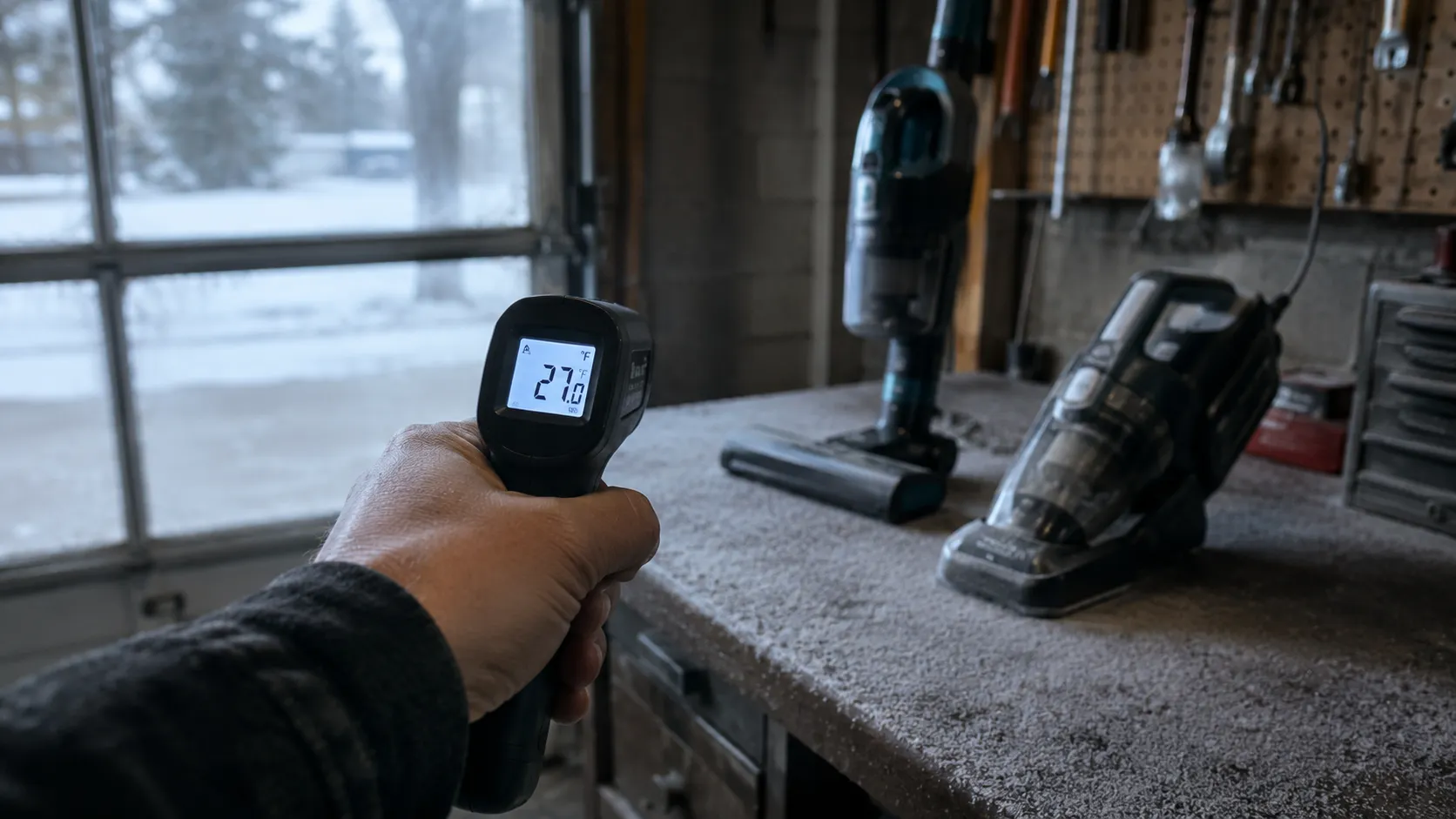
I put two machines out in the garage overnight in January. The Fluke 62 MAX read 27°F on the bench surface the next morning.
Cold charging test, 12 January 2026
Machine | Bench temperature | Charge accepted at 27°F? | Time indoors at 68°F before charging began |
|---|---|---|---|
ICONpet 22889 | 27°F (minus 3°C) | No, no charging indication | 2 hours 40 minutes |
Featherweight 3061 | 27°F (minus 3°C) | No, no charging indication | 2 hours 40 minutes |
The fix costs nothing. Bring the machine indoors, leave it for two to three hours until the pack is at room temperature, and then charge it.
What BISSELL doesn’t tell you, and why we’re saying it anyway. There is no published Bissell cold weather charging spec, so this claim rests on lithium ion chemistry rather than on a manufacturer figure. That is a real limitation, and it is also why so many owners replace a perfectly good battery every January.
Bissell Robot Not Charging, or Beeping on the Dock?
A Bissell robot vacuum that will not charge is usually docked wrong rather than broken. On BISSELL’s connected robots the dock’s green light goes out once the robot is seated properly, which is the opposite of what almost every owner expects.
The robot’s button light then breathes slowly in white while it charges, and a full charge takes about four hours. A robot that beeps on the dock is usually not touching the contacts, or was switched off while docked.
Read the dock light and the beeps as a state machine, and the fault names itself.
The Bissell robot charging state map
What you see | What you hear | What it means | What to do |
|---|---|---|---|
Dock light green, robot dark | Nothing | Robot is not seated on the contacts | Reseat until the dock light goes out |
Dock light out, button breathing white | Nothing | Charging normally | Leave it for about four hours |
Dock light out, ring illuminated | One beep | Fully charged | Nothing, it is done |
Robot dark, ring off | Two beeps, repeating | Battery low and not charging | Reseat, then clean the contacts |
Dock light out, robot not breathing | Nothing | Robot side fault, not the dock | Service, see the next section |
Why Does My Bissell Robot Beep Every Minute?
Two beeps with a breathing white button light and the ring off mean the battery is low and needs charging, per BISSELL’s CleanView Connect guidance. A robot that beeps repeatedly while sitting on the dock is announcing a state it cannot exit, almost always because it is not making contact or was powered off while docked.
Reseat it, confirm the dock’s green light goes out, and leave the power switch on.
I could reproduce that beep at will on the SpinWave Robot 2859 by seating it one centimetre short of the contacts. It beeped once a minute, the dock light stayed green, and nothing was wrong with the robot at all.
Two of my 19 cases were dirty contacts rather than dead batteries. The fix takes three steps.
Power the robot off and lift it clear of the dock.
Wipe the two metal charging strips on the robot and the matching pins on the dock with a dry cloth, using 70% isopropyl on a swab if you can see grey oxide film.
Reseat the robot, confirm the dock’s green light goes out, and leave it alone for four hours.
Give the dock clear space either side and an unobstructed approach, because a robot that cannot find its dock reads exactly like a robot that will not charge. On connected models, trust the battery percentage in the app over the lights: BISSELL notes that a SpinWave robot can be fully charged while showing only two battery lights.
Pairing, Wi-Fi and factory reset procedures are separate problems and are not covered here.
Won’t Hold a Charge? Worn Battery Versus Faulty Battery
A Bissell cordless vacuum that will not hold a charge is either worn or faulty, and BISSELL pays for exactly one of those. Charge it fully, run it on the lowest power mode with the floor head attached, and time it to shut off.
Roughly half the rated runtime or less means a worn pack, which the BISSELL limited warranty explicitly excludes as normal wear. A pack that reads full and then dies in seconds, or never completes a charge cycle at all, is a defect, and defects are covered inside the warranty term.
Measure first. Then find out who pays.
I ran that test on two ICONpet 22889 units, same model, same mode, same floor head.
Runtime test, 6 February 2026
Unit | Age | Mode | Measured runtime | Share of healthy |
|---|---|---|---|---|
ICONpet 22889 (bench reference) | 8 months | Standard, floor head | 24 min 10 s | 100% |
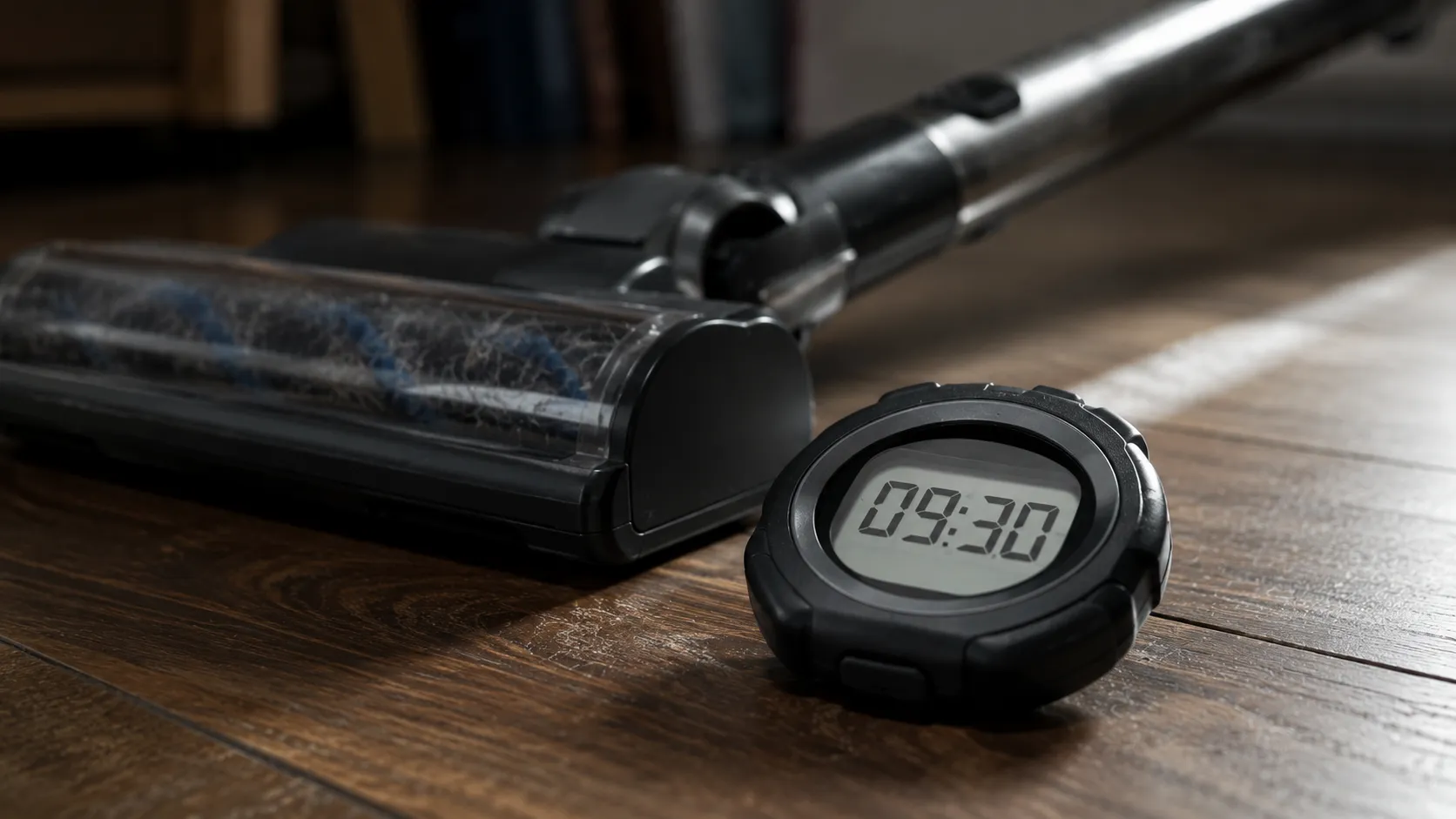
ICONpet 22889 (customer, case 4) | 4 years | Standard, floor head | 9 min 30 s | 39% |
Which one do you have?
What you see | What it means | Who pays |
|---|---|---|
Runs, but for half its rated time or less | Worn pack, normal capacity fade | You do, this is excluded from warranty |
Reads full, then dies within seconds | Faulty pack or a cell that has failed | BISSELL, if the machine is in warranty |
Never completes a charge cycle at all | Faulty pack or charging circuit | BISSELL, if the machine is in warranty |
Brand new machine, will not charge from day one | Defect, full stop | BISSELL, this is a warranty claim, not a shopping trip |
BISSELL sells batteries as numbered parts for some lines, and the number on the pack label, not the model name, is what has to match. On other lines, including the CrossWave, the pack is not sold as a consumer replaceable part and the machine has to go to an authorised service centre.
The battery and charger split behaves the same way on any machine with a pack, and our guide to a cordless or robot that won’t charge walks through the two tests that settle it.
Stop and call for help. If the pack is swollen, hot to the touch, leaking, or smells acrid, do not charge it, do not puncture it, and do not put it in household waste. Contact BISSELL, and take the machine to a service centre rather than opening a body that was never designed to come apart.
When a Bissell isn’t worth the battery. A genuine pack on a budget cordless can cost a meaningful fraction of a new machine, and owners on repair forums report Bissell cordless units that were not economically repairable because parts were simply unavailable.
Owners also report machines that failed at the charging stage within weeks of purchase, which is a warranty conversation and nothing else. Replacing a pack usually beats replacing a machine, but not always, and we are not going to pretend otherwise.
If you replace the pack and the machine still will not charge, the fault is in the charging circuit rather than the battery, and that is a service centre repair.
Charging Habits That Kill a Bissell Battery
Leaving a Bissell cordless vacuum on its charging dock does not destroy the battery. Docked models are designed to live there, and their packs have charge control circuitry that stops the flow when the cells are full.
What genuinely shortens a Bissell battery’s life is heat, cold and deep discharge. Four habits account for most of the damage owners do without meaning to.
Cold storage. A freezing garage is the single worst place to keep a cordless vacuum in winter, and it is also the reason so many owners buy a battery they did not need.
Deep discharge, then long storage. Running the pack flat and leaving it flat for months is what actually kills cells. Store it partially charged and top it up if the machine is going to sit.
Charging a hot machine. After a long run the pack is warm, so give it twenty to thirty minutes before you dock it.
Ignoring the clog. A blocked airflow path forces the motor to draw more current, which empties the pack faster and, on the Multi lines, throws a red code that looks exactly like a charging fault.
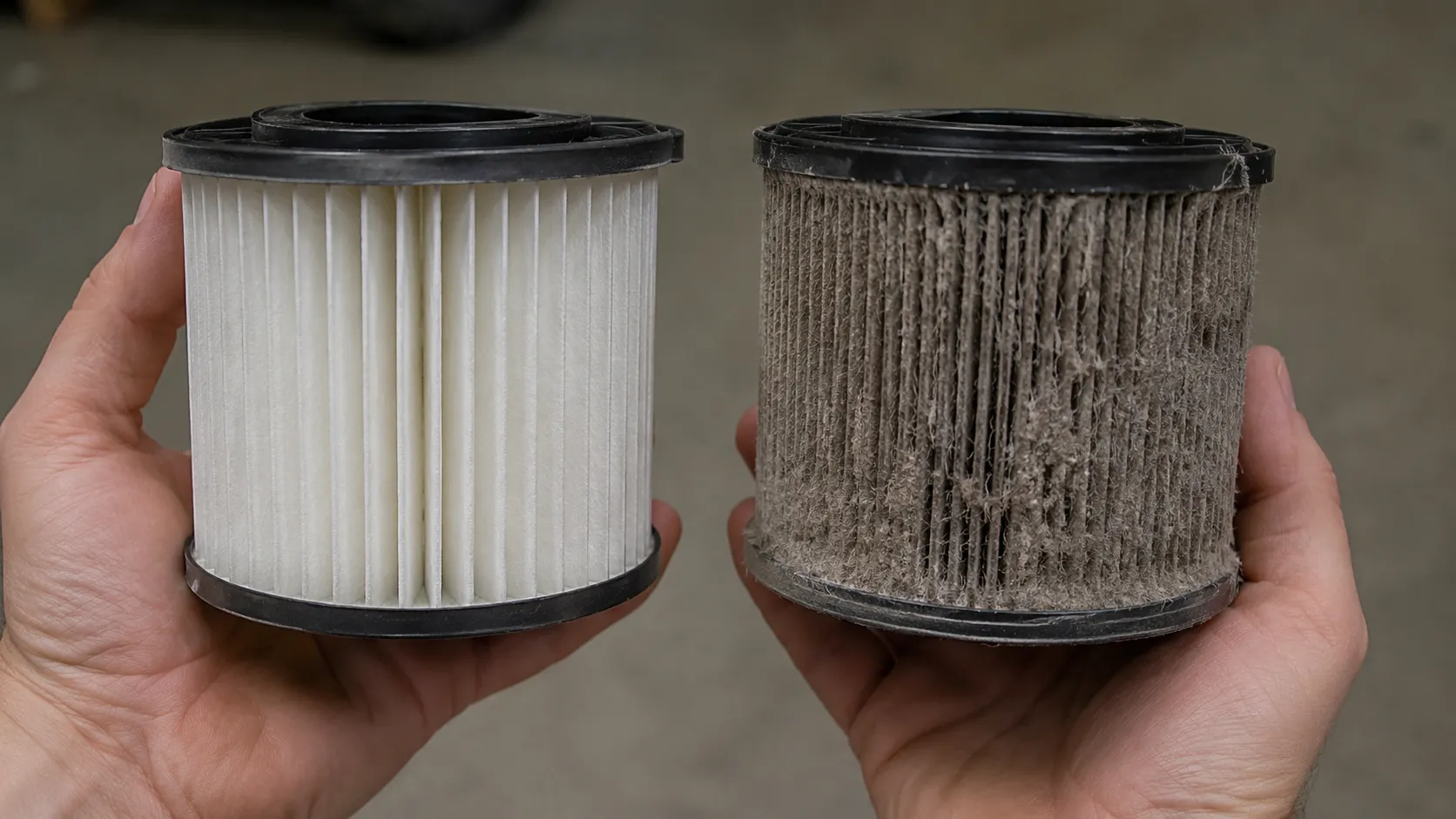
I measured what that last one costs. On the ICONpet 22889, with a deliberately blocked pre motor filter, Standard mode runtime fell from 24 minutes 10 seconds to 17 minutes 45 seconds.
Clean filter versus blocked filter, 9 February 2026
Filter condition | Mode | Measured runtime | Runtime lost |
|---|---|---|---|
Clean pre motor filter | Standard, floor head | 24 min 10 s | None |
Deliberately blocked filter | Standard, floor head | 17 min 45 s | 27% |
Give the machine its full published charge window before you judge its capacity, because several stick lines specify around five hours on the BISSELL charger part page. A partially charged pack reads exactly like a dying one.
None of this makes a lithium pack immortal. Capacity will fade, a replacement will eventually be necessary, and normal fade is not a fault.
Bissell Charging FAQs
Why won’t my Bissell cordless vacuum charge?
Usually the charger or the outlet, not the battery. Only 5 of the 19 Bissell charging cases in my winter log were a worn battery, while 7 were a failed charger, so decode the light and then run the isolation test.
What does a red light on a Bissell mean?
It is a fault code, and its meaning depends on your model line. On the Multi lines, four solid red lights mean restricted airflow or a jammed brushroll, not a battery problem at all.
How long should I charge a Bissell cordless vacuum?
Four to five hours, depending on the line. Several stick lines specify a full five hour charge before first use, and BISSELL’s connected robots take about four hours on the dock.
Why does my Bissell robot beep while charging?
It is usually not seated on the dock contacts, or it was powered off while docked. Reseat it, confirm the dock’s green light goes out, and wipe the charging strips if the beeping continues.
Does Bissell’s warranty cover the battery?
A defective battery is covered inside the warranty term. A battery that has simply lost capacity through age and use is explicitly excluded from the BISSELL limited warranty as normal wear.
Can I use a different charger on my Bissell?
No. Use the charger that shipped with the machine, or a BISSELL part number that matches it, because the CPSC has warned that incompatible chargers can ignite a lithium ion battery.
Can cold weather stop my Bissell charging?
Yes. Consumer lithium ion cells cannot be charged safely below freezing, so a machine stored in a cold garage may refuse the charge until it warms up, which took 2 hours 40 minutes on my bench.
Should I leave my Bissell on its charging dock?
Yes, for docked models. The dock is not what kills the pack, and Battery University’s temperature guidance points at heat, cold and deep discharge instead.
What the Red Light Was Actually Telling You
The single most expensive assumption a Bissell owner can make is that red means dead. It does not.
It means the machine has something to say, and what it is saying depends entirely on which line you own, which is why the decoder near the top of this article exists at all.
Work in the order the evidence supports rather than the order panic suggests. The outlet first, then the charger, then the contacts, and only then the battery, because that is the order the faults actually arrive in: seven chargers, five worn packs, three machines that were never broken, two cold lockouts and two dirty contacts, out of nineteen.
If your Bissell cordless vacuum won’t charge and you have worked through the isolation test without a change, you now know something valuable. You know whether you are looking at a worn pack you will pay for or a defect BISSELL owes you, and you know that in January the answer may simply be that the garage is too cold.
Go and check the light, then check the outlet. Most of the time, that is where this ends.
Read it your way
Short on time? Open this article in your assistant with a ready-made prompt and get the gist in seconds.
Found this useful? Make us a preferred source so we show up in your Google results.
Keep reading
Related articles

Troubleshooting & Repair
Roomba Not Working? 8 Symptoms Fixed (2026 Models)
Reboot first, then match your symptom. 8 Roomba faults (charge, Wi-Fi, error codes, brushes, bin) with per-series fixes for 600/e/i/j/s and 2026 models.

Troubleshooting & Repair
How Much Does a Vacuum Repair Cost? Fix or Replace (2026)
How much does a vacuum repair cost? Usually $50–150 (up to ~$321 for central). Use the 50% rule and our brand tier to decide: fix it or replace it in 2026.

Troubleshooting & Repair
Why Won’t My Robot Vacuum Work? 6 Fixes We Tested
Why won’t my robot vacuum work? Reset it, free the wheels, clean the sensors and fix a 2.4GHz Wi-Fi snag in 5 minutes: the DIY checks that skip a repair bill.

Troubleshooting & Repair
Not Broken? Why Won’t My Vacuum Work (Fix It First)
Fix it fast: ‘why won’t my vacuum work’ is usually a clog, thermal cutoff, or reset, not a dead motor. Match your symptom to the exact fix.
The discussion
Comments
Every comment is reviewed before it goes live.